Claude Code
Use your Claude subscription or an Anthropic API key. Open new spaces with Claude Code ready to use.
Run your coding tasks in isolated containers on your own machines or in the cloud.
Free on your own machines. No credit card required.
Run agents in parallel across your machines and cloud runners. Each task stays isolated, with its context ready when you switch.
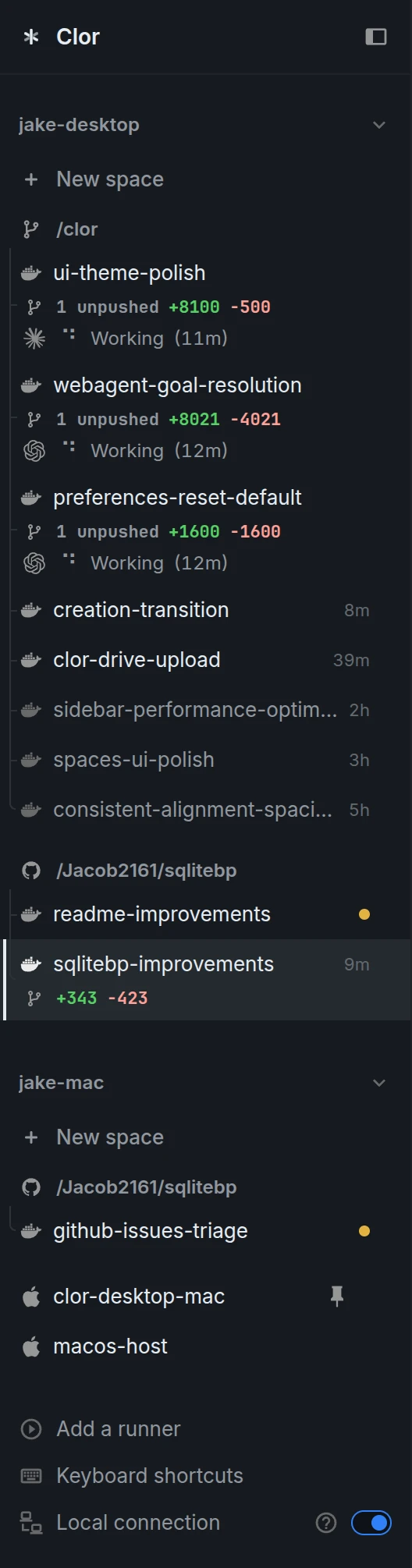
Through the clor CLI, agents can create spaces, manage runners and services, connect over Tailscale, and turn GitHub issues or Linear tickets into parallel work.
“Create a space for GitHub issue #42 and start working on it.”
“Create spaces for my highest-priority Linear tickets.”
“Move this task from jake-laptop to jake-cloud.”
“Use Tailscale to connect and SSH into the server.”
Clor runs the official Claude Code and Codex CLIs behind an optimized web interface. Sign in once and keep your credentials synced across spaces on your machines and cloud runners.
Use your Claude subscription or an Anthropic API key. Open new spaces with Claude Code ready to use.
Use your OpenAI subscription or an OpenAI API key. Continue with Codex across spaces without signing in to each one.
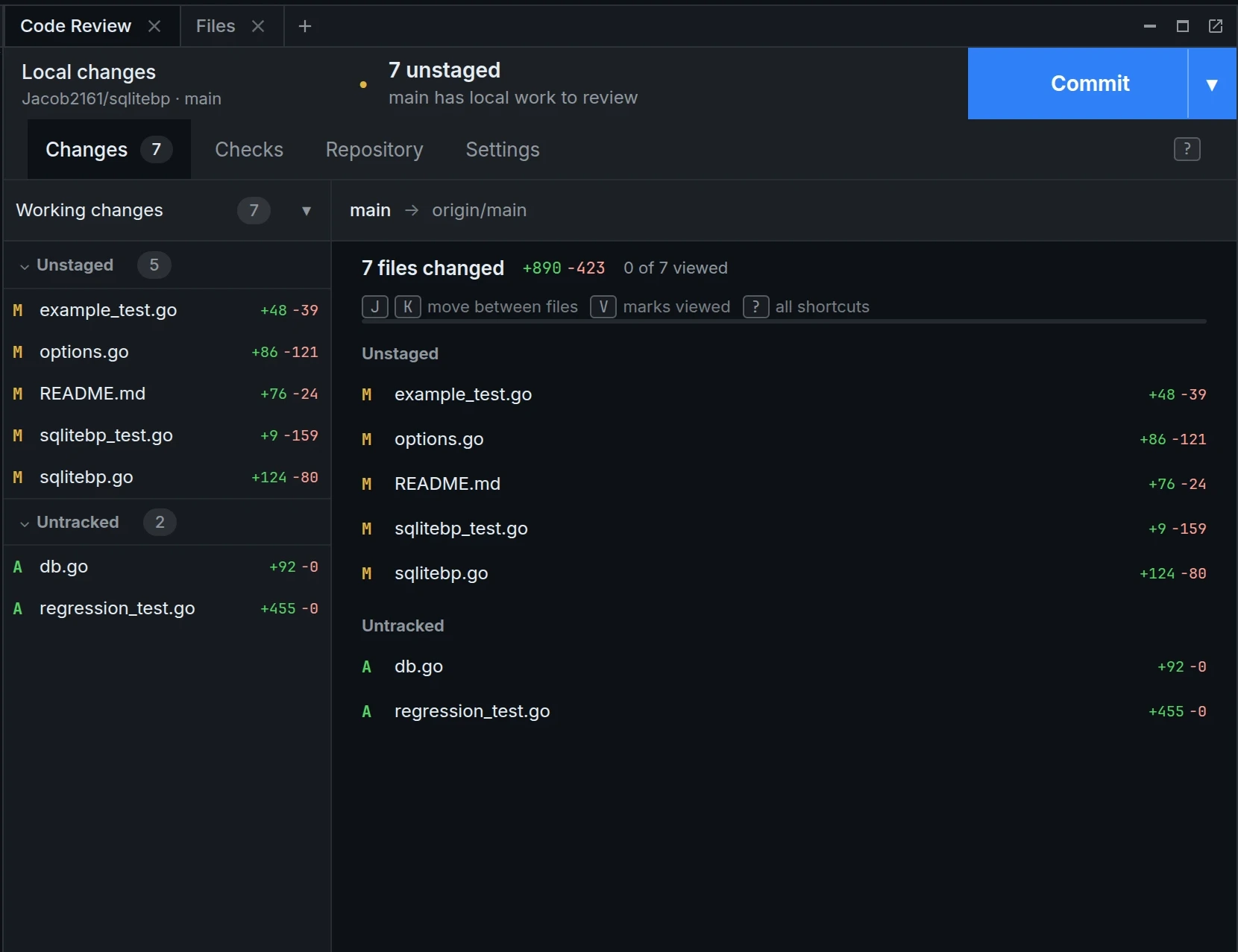
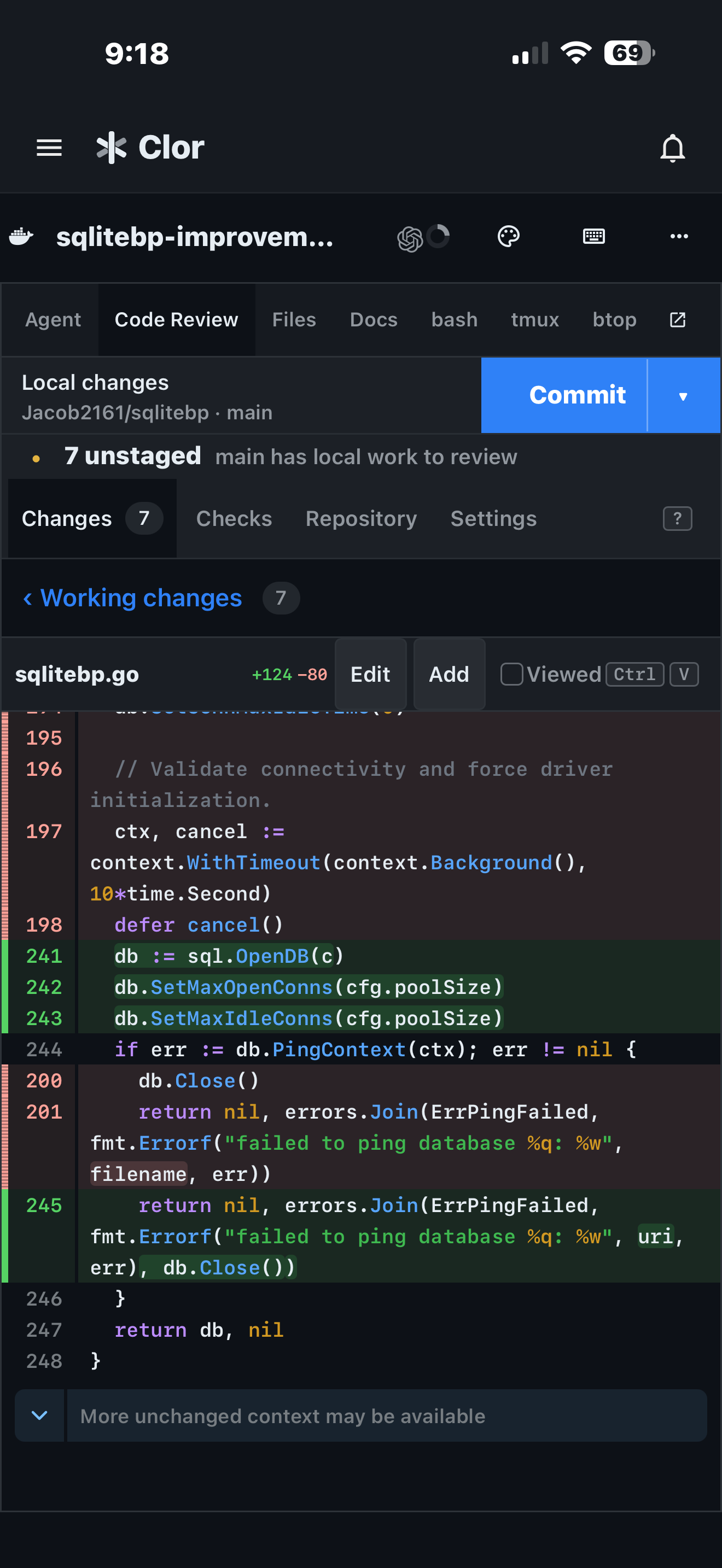
Keep the agent session beside the code-review interface. Inspect the diff, discuss the changes, and decide what to commit without losing sight of the task.
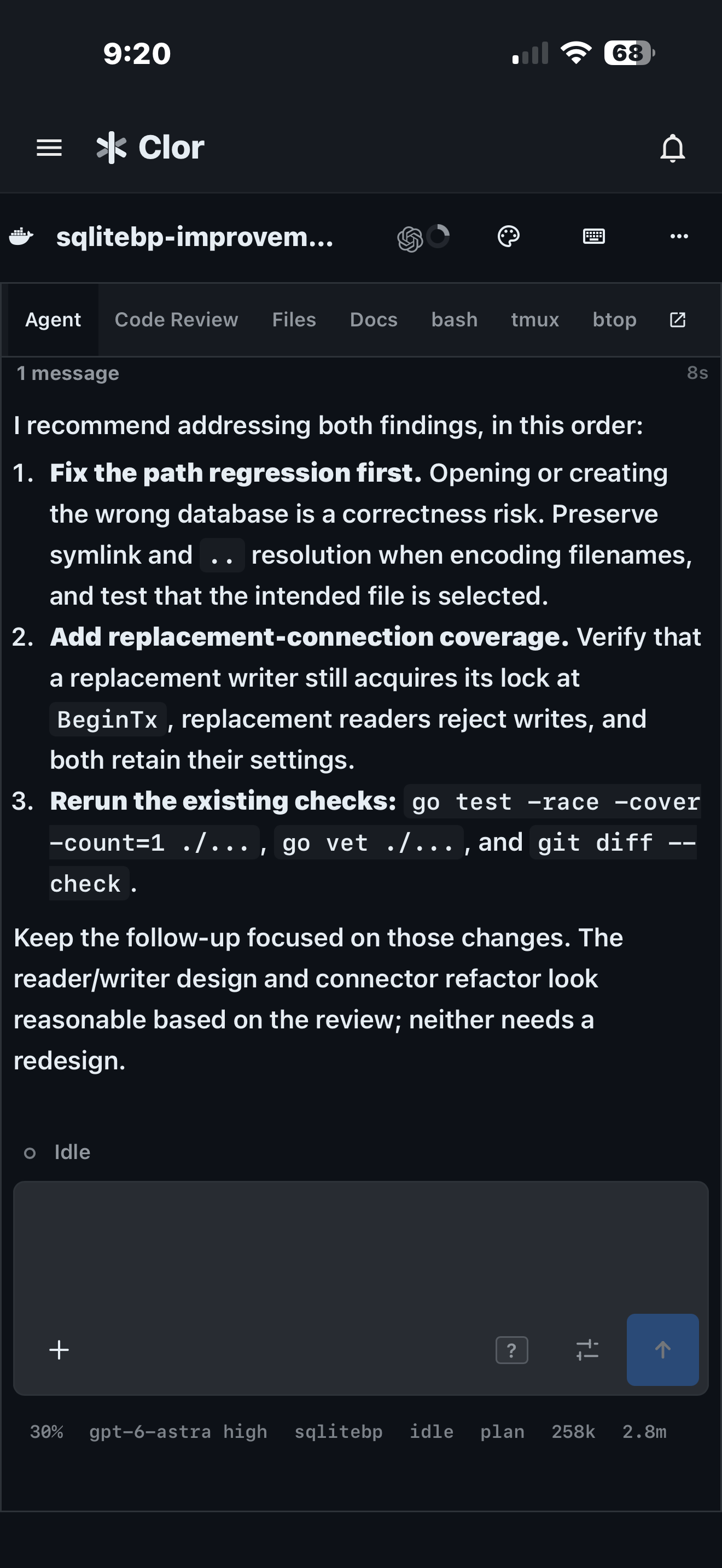
Start a task on your Mac, follow the agent and review its changes on your phone, then keep working from another machine.
Keep both agents and their development tools in one place. Give tasks their own spaces, see what each agent is doing, and switch between Claude and Codex without rebuilding the context by hand.
Each container-backed space has its own Git checkout, processes, dependencies, and ports. Agents on separate tasks can edit code, install packages, and run dev servers without competing for the same working environment.
Use the same container image on your laptop or a cloud runner. Extend the base image or add setup scripts to customize the workspace for your project.
Claude and Codex share searchable transcripts and project notes, so context carries across agents and spaces.
Find past conversations, commands, errors, and decisions.
Keep conventions and decisions where every agent can read and update them.
Agents on Clor can use any service. Built-in services help them complete common tasks faster, use fewer tokens, and avoid getting blocked.
Keep files in Drive and share them across spaces.
Store credentials once and let agents use them by name.
Search the web and read pages to bring context into the task.
Publish websites, reports, and demos at public URLs.
Create and host repositories for work that spans spaces.
Share a running app or preview with a public link.
Search conversations and ask agents to post updates through your connected account.
Read, search, and organize your inbox. Ask agents to draft or send messages.
Search stories and discussions to find what developers are talking about.
Check domain availability when a project needs a name.
Get forecasts, air quality, and location information.
Create text, images, speech, music, and sound effects.
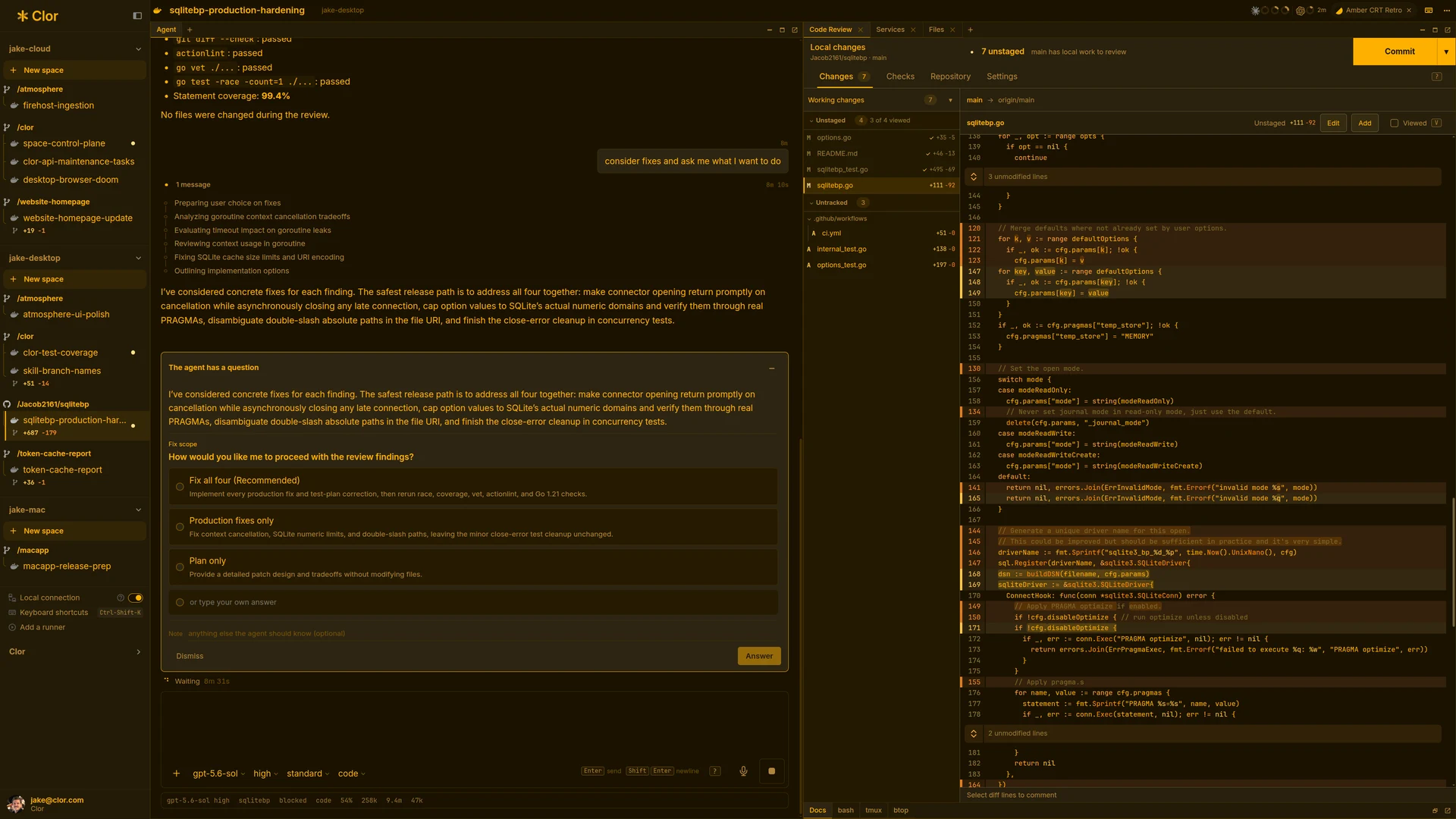
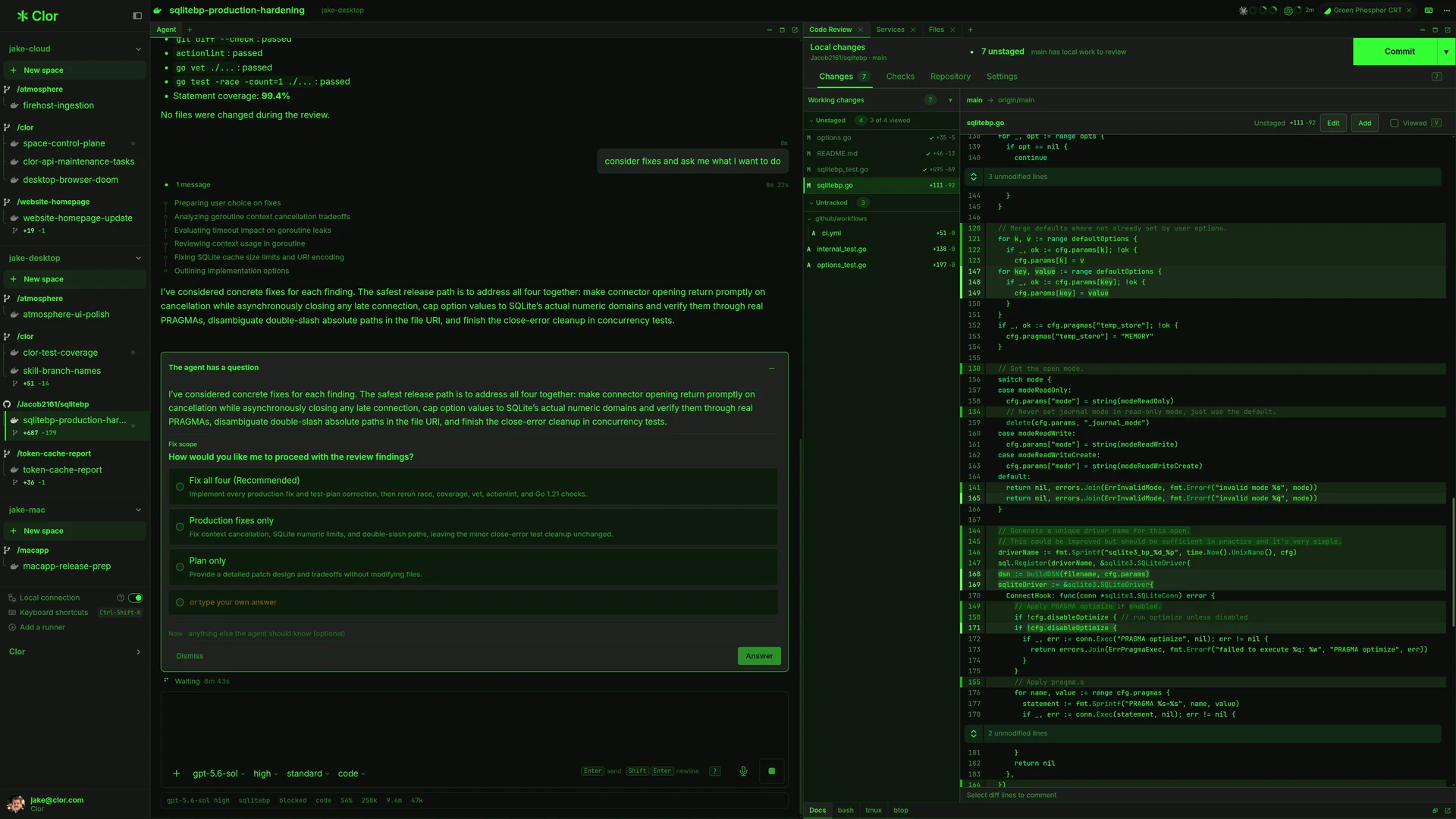
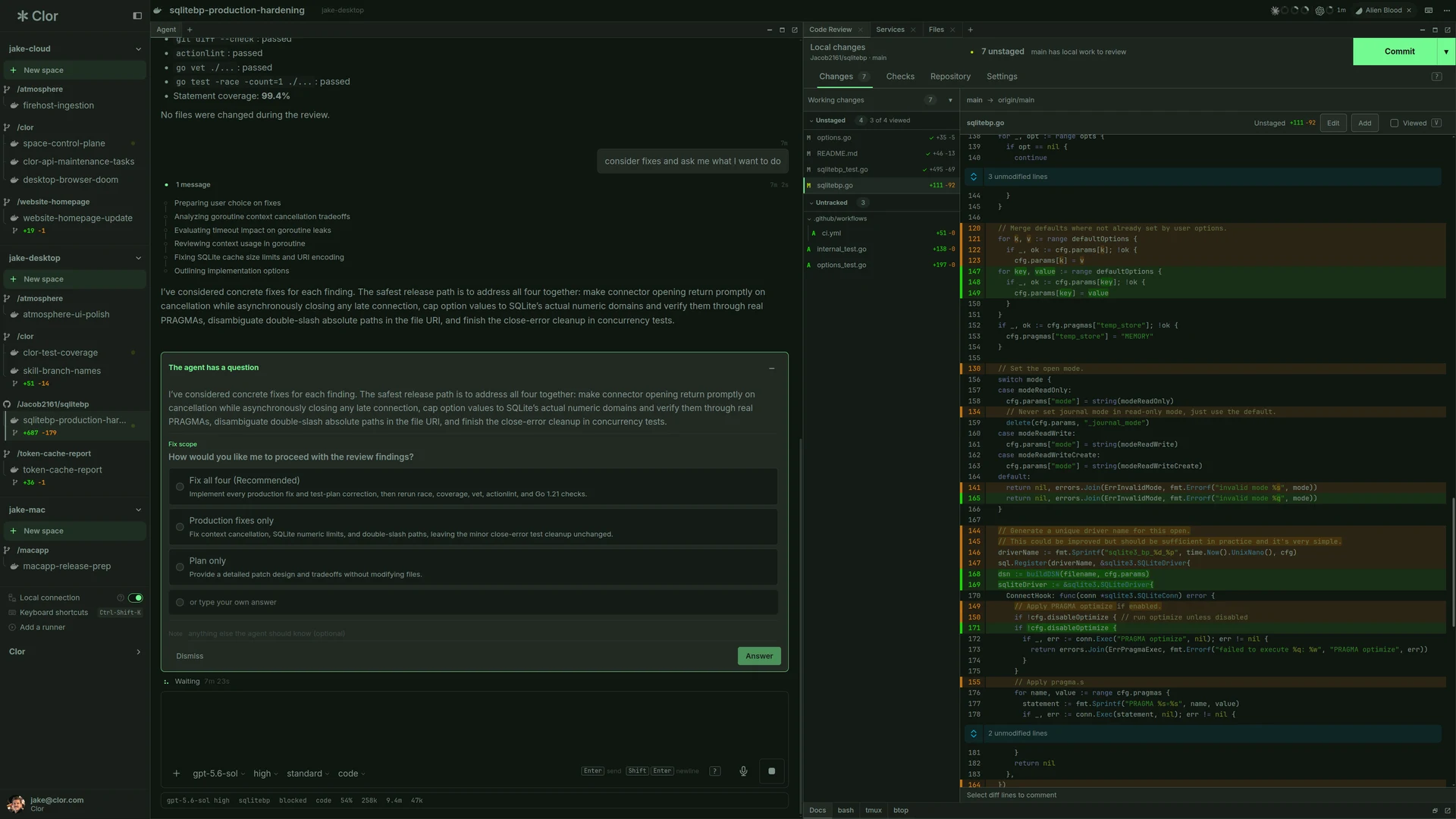
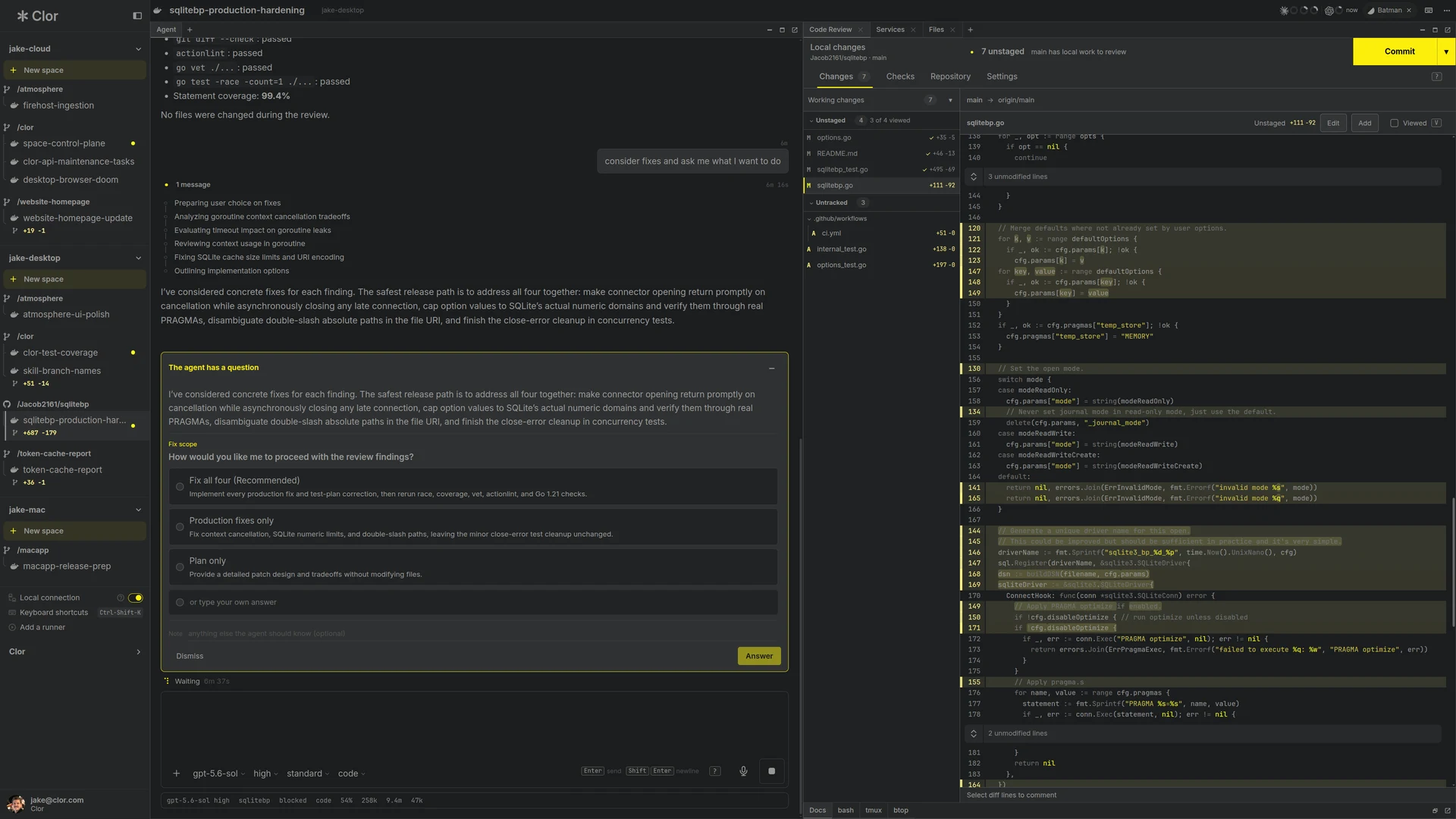
Choose a theme for each space. The whole workspace changes together.
Clor is free on your own machines. That includes spaces, shared memory, tunnels, and secrets. No credit card, no expiry.
Some cloud services include free allowances. Cloud runners and additional usage are paid. Your Claude or OpenAI subscription or API usage is separate.
Clor runs the official Claude Code and Codex CLIs behind an optimized web interface. You can also use the Claude Code and Codex TUIs.
A runner is the machine that runs your spaces, typically in Docker containers. A runner can be your own Mac, Linux, or Windows machine, or a cloud runner you create. Spaces can run in containers or directly on the host.
Use a Mac, Linux, or Windows machine with a container runtime. Container-backed spaces use Docker or OrbStack. On Windows, use WSL2 with Docker Desktop integration. You can also create a cloud runner which doesn't require a computer of your own.
Sign in with your existing Claude or OpenAI account, or provide an Anthropic or OpenAI API key. Assigned credentials sync into container-backed spaces on local and cloud runners. Codex in a space running directly on the host needs its own sign-in.
No. The official Claude Code and Codex CLIs run on your selected runner and connect directly to Anthropic and OpenAI. Clor does not proxy, resell, or mark up that traffic.
Privacy and security are central to how we build Clor. Our team brings decades of experience in internet infrastructure, cloud systems, and security.
Stored agent credentials use AES-256-GCM encryption, with a separate key derived for each secret. Assigned credentials are delivered to authorized spaces through authentication files or environment variables, where the agent can use them.
Your runner and Clor's tunnel service use mutual TLS 1.3, verifying each other's certificates and encrypting traffic between them.
Public tunnel links use HTTPS. The final connection from your runner to the app uses the app's configured HTTP or HTTPS endpoint.
The working tree stays on the local or hosted runner executing the space. Clor stores the space configuration, not a copy of its checkout. Agent transcripts do contain code and are stored in shared memory for session history and search. You can permanently delete individual transcripts and wiki documents, or all of your stored memory, at any time.
Clor services store shared memory (agent sessions and wiki documents) and managed resources such as Git repositories, Drive files, secrets, and published sites. Delete resources through the CLI or web interface. Deleting a session permanently removes its transcript from memory and search. Wiki documents stay until you delete them.
Container-backed spaces have isolated filesystems, processes, ports, dependencies, and Git checkouts. Docker or OrbStack provides the container runtime. On macOS, containers run inside a Linux virtual machine. On Windows, local runners use WSL2 with Docker Desktop integration. Spaces can also run directly on a host.
Containers separate work but do not guarantee protection from malicious code or prompt injection. Spaces running directly on the host have no container boundary.
Each container-backed space has its own checkout, processes, ports, and dependencies. Agents in separate spaces do not share these resources. Agents in the same space share its working tree.
No. Clor uses a separate Git checkout and, by default, a separate container for each space. You can create worktrees inside a space if needed.
The Clor control plane runs as a cloud service we operate and is not open source. The Docker container and skills are open source.
Yes. Clor for Mac is available now. Desktop apps for Linux and Windows are coming soon. You can also use Clor in your browser on all three platforms.